Umfeld × PortMaster
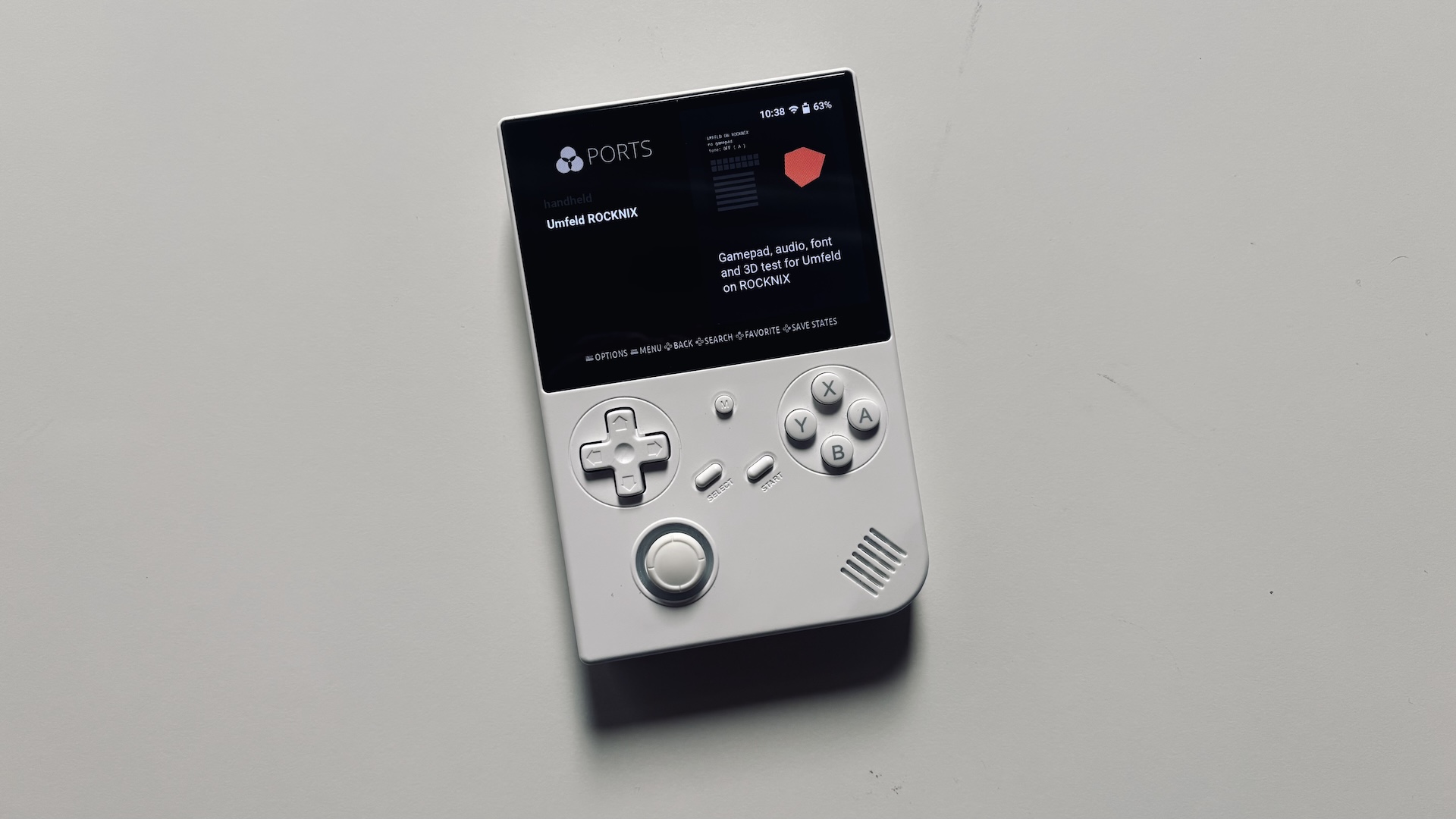
honestly, for my taste it was a bit too cumbersome to bring Umfeld applications onto a small device ( e.g Anbernic RG 40XXV (H700) or R36S ). so i spent some time to set up a toolchain that would do the following:
- compile Umfeld applications on host ( i.e cross compilation e.g on MacBook Pro )
- deploy applications via cmake script right into PortMaster
- install and run application via PortMaster on device
- work on unmodified ROCKNIX
so this is a quick step-by-step guide of how to run the rocknix-portmaster application from Umfeld Examples:
How to Run an Umfeld Application on Handheld with ROCKNIX and PortMaster
- follow these installation instructions
- from release page download an image:
- for H700: ROCKNIX-H700.aarch64-20261001-DDR4.img.gz
- for R36S: ROCKNIX-RK3326.aarch64-20261001-a.img.gz
- burn image onto SD card with Raspberry Pi Imager
- modify installation on SD card before first run ( on macOS ):
- for Anbernic RG 40XXV (H700) copy DTB file
sun50i-h700-anbernic-rg40xx-v.dtbtodtb.img( see Anbernic H700 installation guide ):cp /Volumes/ROCKNIX/device_trees/sun50i-h700-anbernic-rg40xx-v.dtb /Volumes/ROCKNIX/dtb.img - for R36S get panel dtb overlays e.g
mipi-panel.dtbo.r36s-panel4( actual DTB file, depends on R36S variant ), copy tooverlaysfolder and rename tomipi-panel.dtbo( see Game Console R35S/R36S / Installation ):cp ./mipi-panel.dtbo.r36s-panel4 /Volumes/ROCKNIX/overlays/mipi-panel.dtbo
- for Anbernic RG 40XXV (H700) copy DTB file
- insert SD card into device and boot into ROCKNIX
- on device:
- press
STARTbutton to enterNETWORK SETTINGS - enable WiFi
- connect to WiFi network
- enable SSH
- find and note IP address
- press
- on host:
- open CLI
- store device IP address in
UMFELD_DEVICEe.g withexport UMFELD_DEVICE=root@10.35.30.57 - log into device via ssh e.g
ssh root@$UMFELD_DEVICE( password:rocknix) - (optional) configure passwordless login with
ssh-copy-id root@$UMFELD_DEVICE
- compile and upload the example application ( e.g on macOS ):
  export UMFELD_DEVICE=root@10.35.30.57
  export UMFELD_PATH=$HOME/Documents/dev/umfeld/git/umfeld
  export UMFELD_EXAMPLES_PATH=$HOME/Documents/dev/umfeld/git/umfeld-examples
  cd $UMFELD_EXAMPLES_PATH/Advanced/rocknix-portmaster
  cmake -B build-rocknix -G Ninja -DCMAKE_TOOLCHAIN_FILE=$UMFELD_PATH/cmake/toolchains/rocknix-aarch64.cmake
  cmake --build build-rocknix --target deploy
note that you might need to adjust paths and IP address used above.