Umfeld × Arduino UNO Q
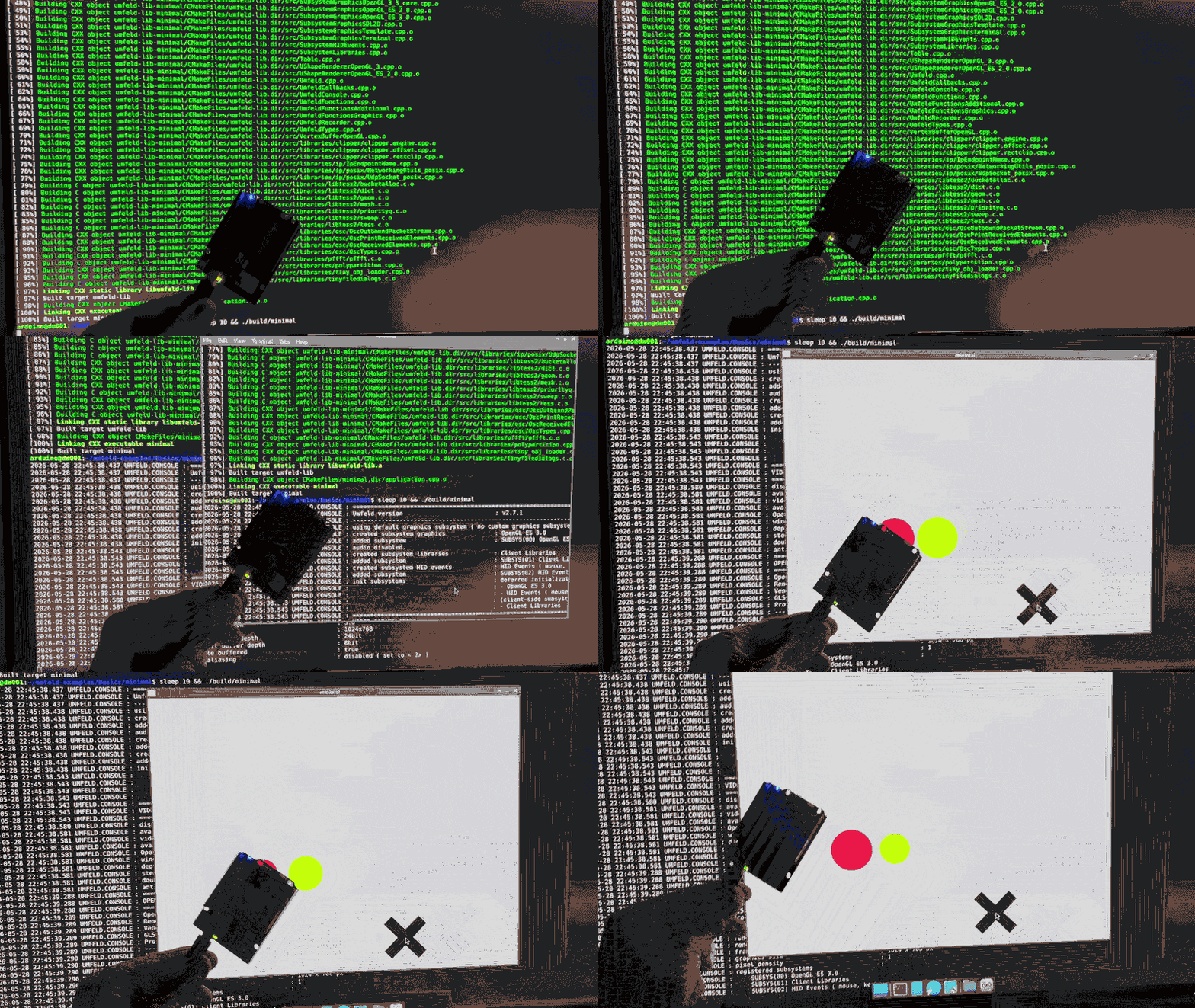
just think of it like this: “Running a Processing sketch on an Arduino? this is madness!!1!!!1!”
well, it was actually quite easy! it took just a few minutes to run a minimal Umfeld application on the new Arduino UNO Q … and a bit of wiggling to also talk to the on-board MCU. check out the Umfeld library arduino-bridge.
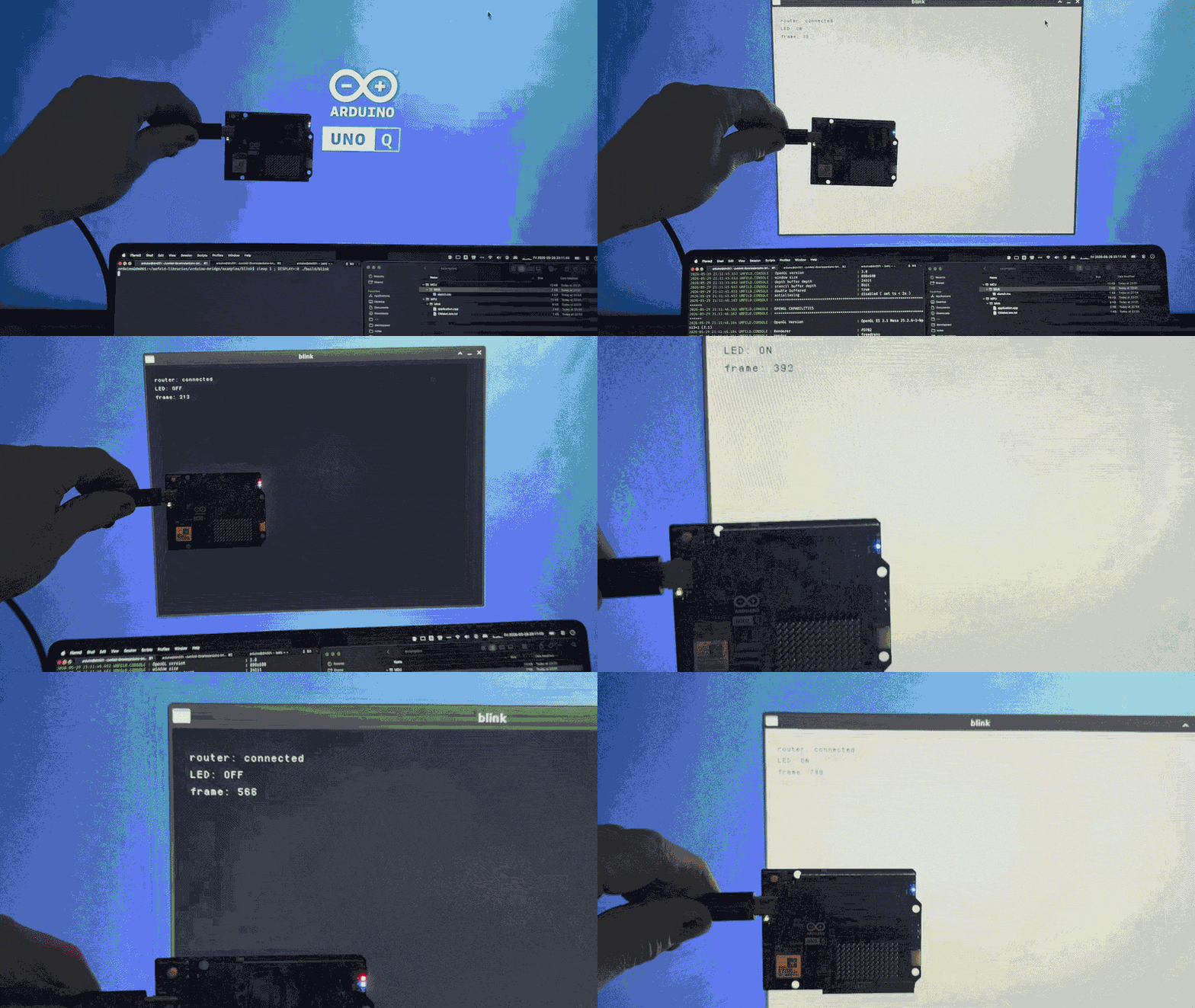
i don’t want to explaing the Arduino UNO Q board, but to give just a bit of reference: the board comes with two processors, a Qualcomm Dragonwing™ QRB2210 microprocessor (MPU) and an STM32U585 microcontroller (MCU). the MPU runs a Debian Linux and the MCU does normal Arduino things ( e.g controlling pins ); MPU and MCU can communicate with each other.
now, the reason why Umfeld is so easy to use on the MPU is due to the fact that it comes with a Debian-based Linux including a supported package manager ( i.e apt ). the only thing you need to do is to SSH into the Arduino board via WiFi and run the Umfeld install script:
/bin/bash -c "$(curl -fsSL https://codeberg.org/Umfeld/umfeld/raw/branch/main/install.sh)" _ --latest
one other nice feature of the board is that the Linux distribution supports OpenGL ES 3.0 and the MPU even features hardware accelerated graphics with an Adreno GPU ( graphics processing unit ).
PS you need a USB-C to HDMI adapter to connect a screen. IMHO this is a bit of a bottle neck in the boards design … but i also get it footprint-wise.
PPS this post has been lingering in my TODO folder for some time since i just arrived in Italy for a 3 months residency, i though this would be the perfect time to publish the post ;)