Run an Umfeld App in Less Than 1 Minute
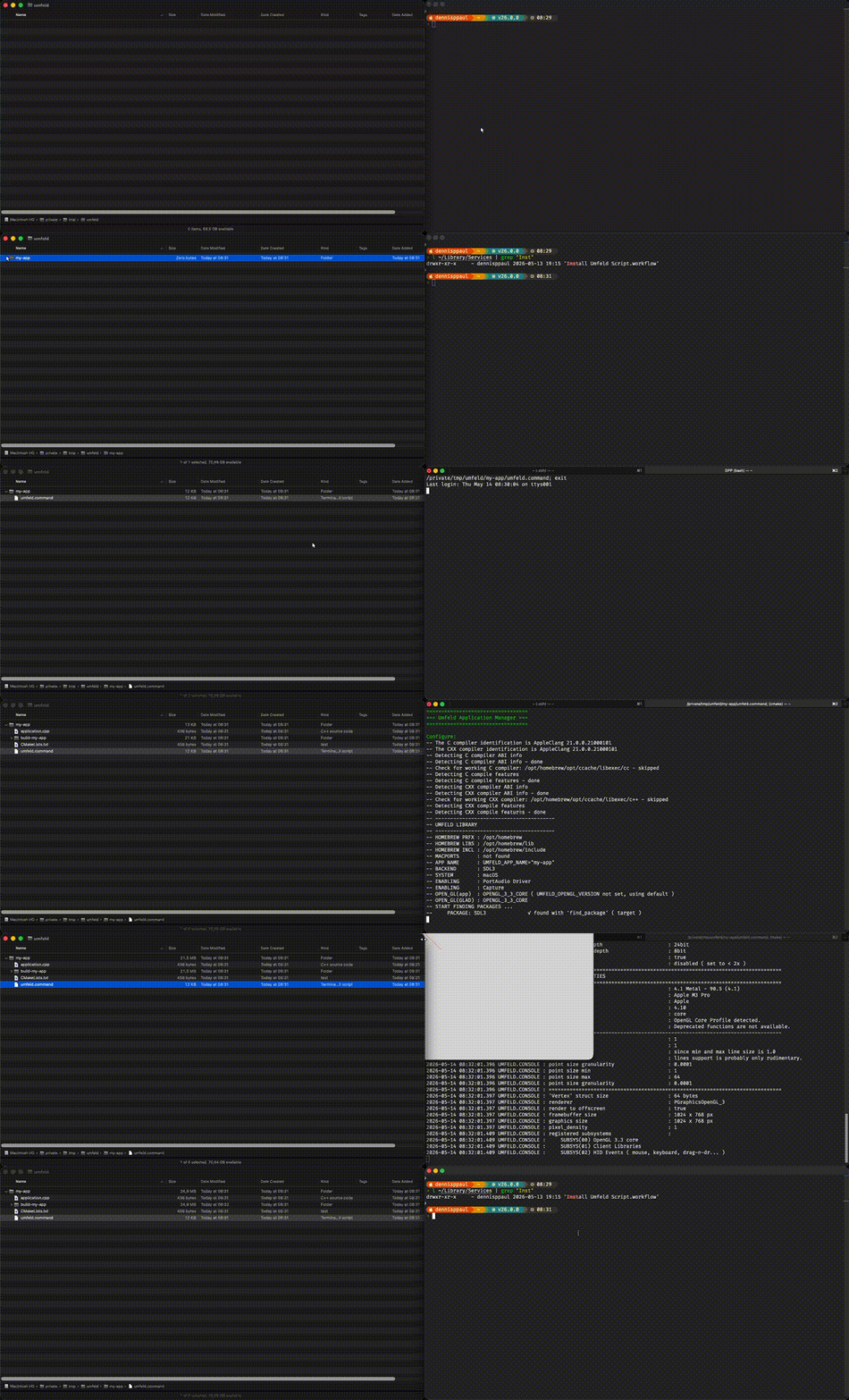
on macOS there is now a super quick and handy way to create an Umfeld application in any folder. just download, unzip and install this workflow:
Install_Umfeld_Script.workflow.zip
after installation you can right-click on any folder, select Quick Actions then Install Umfeld Script. this will download the umfeld.command script into the folder an makes it executable. now, you can either double-click umfeld.command ( which usually opens a terminal window ) or run the script from a console. either one will bring up a TUI menu that handles everything ( install Umfeld, create CMake script, etcetera ). make sure to first configure a project (1) and then build and run (4) the Umfeld application.
these days, i use this workflow actually quite often to quickly write a sketches …