Umfeld is an Official Processing Mode Now
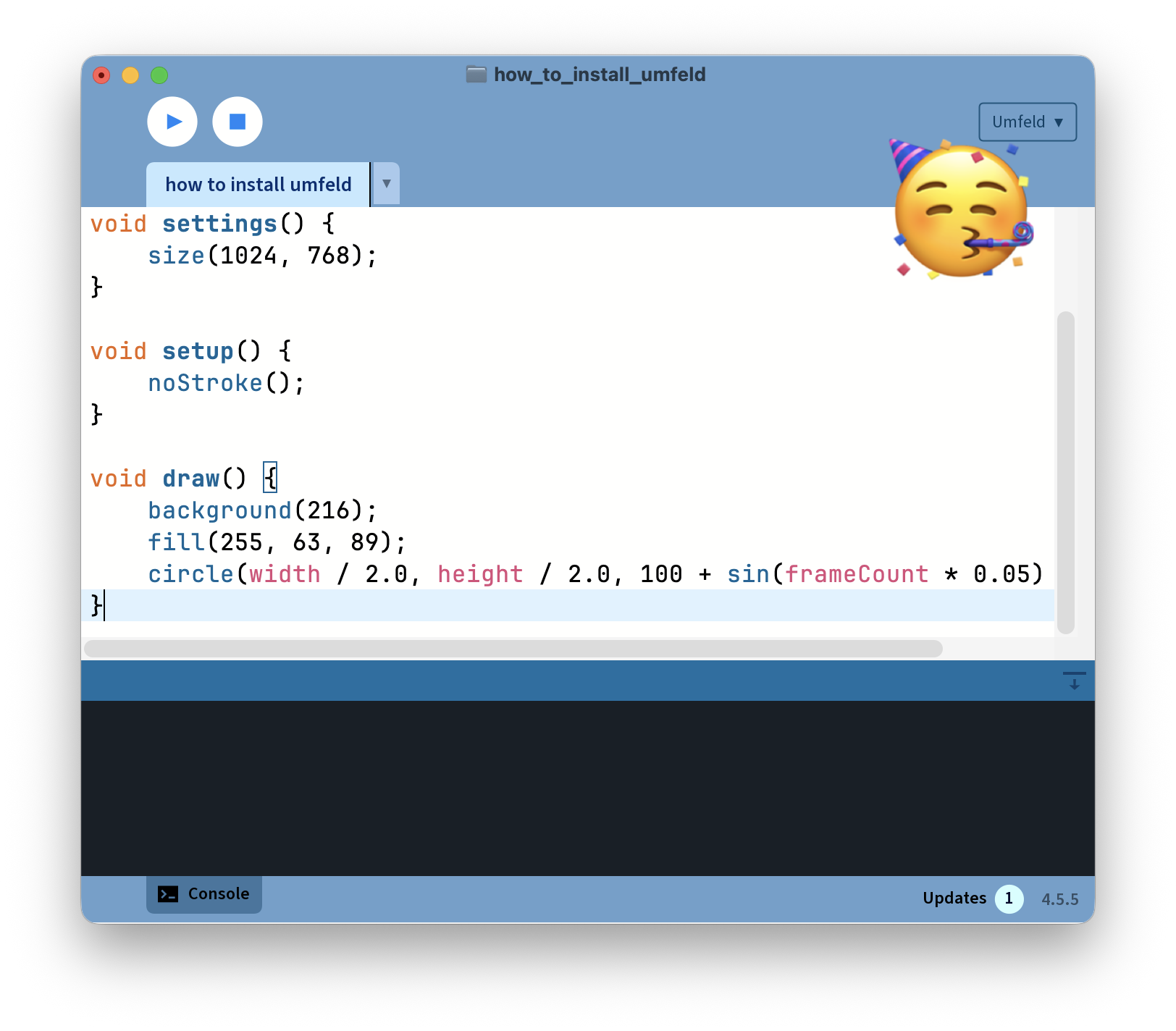
this is really exciting1: today Umfeld was added to the offical list of modes in Processing IDE. in essence this means that you can now use Umfeld by installing it from Processing’s own Contribution Manager.
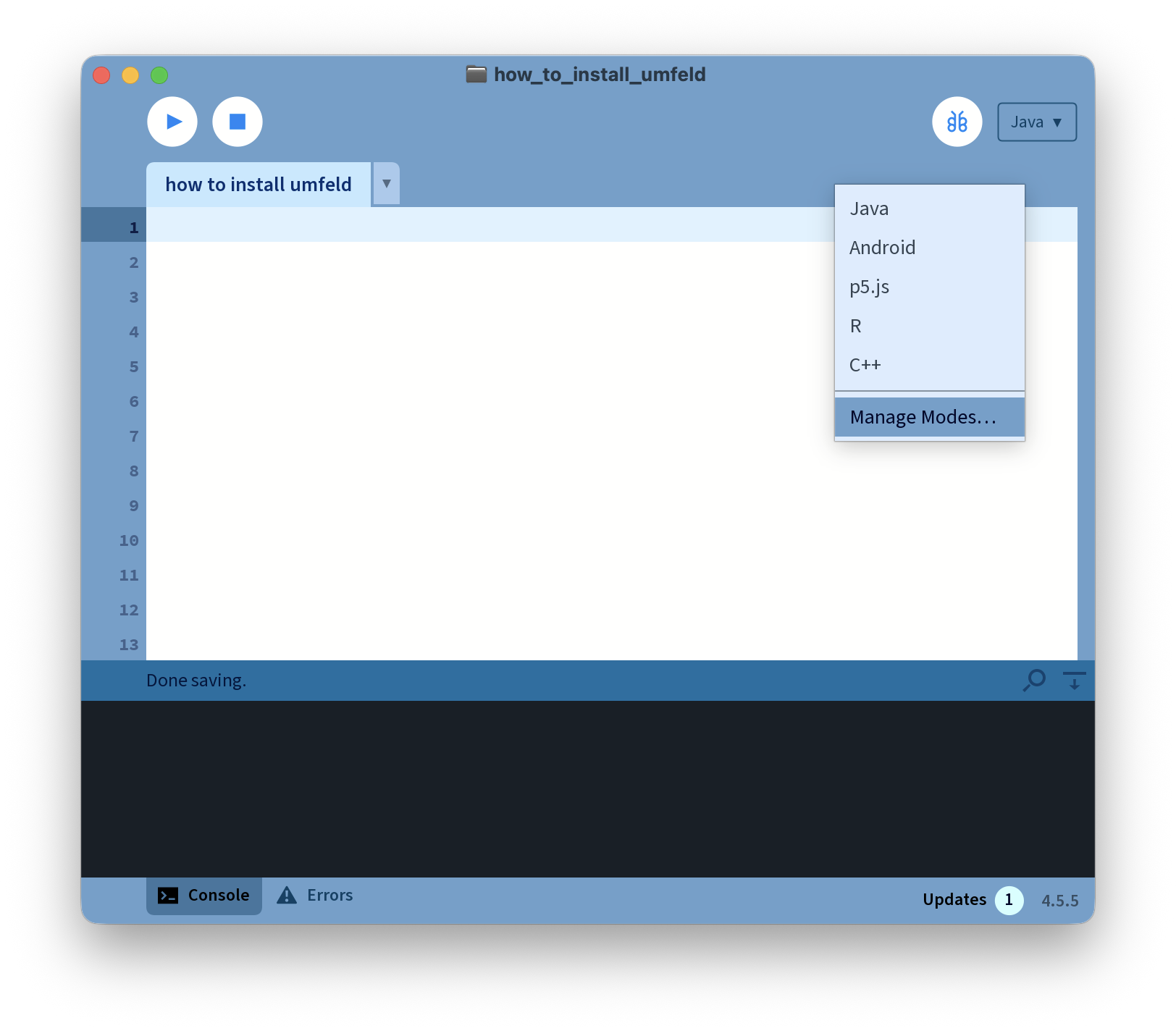
bring up Manage Modes… dialog by clicking on the Java button in the upper right corner:
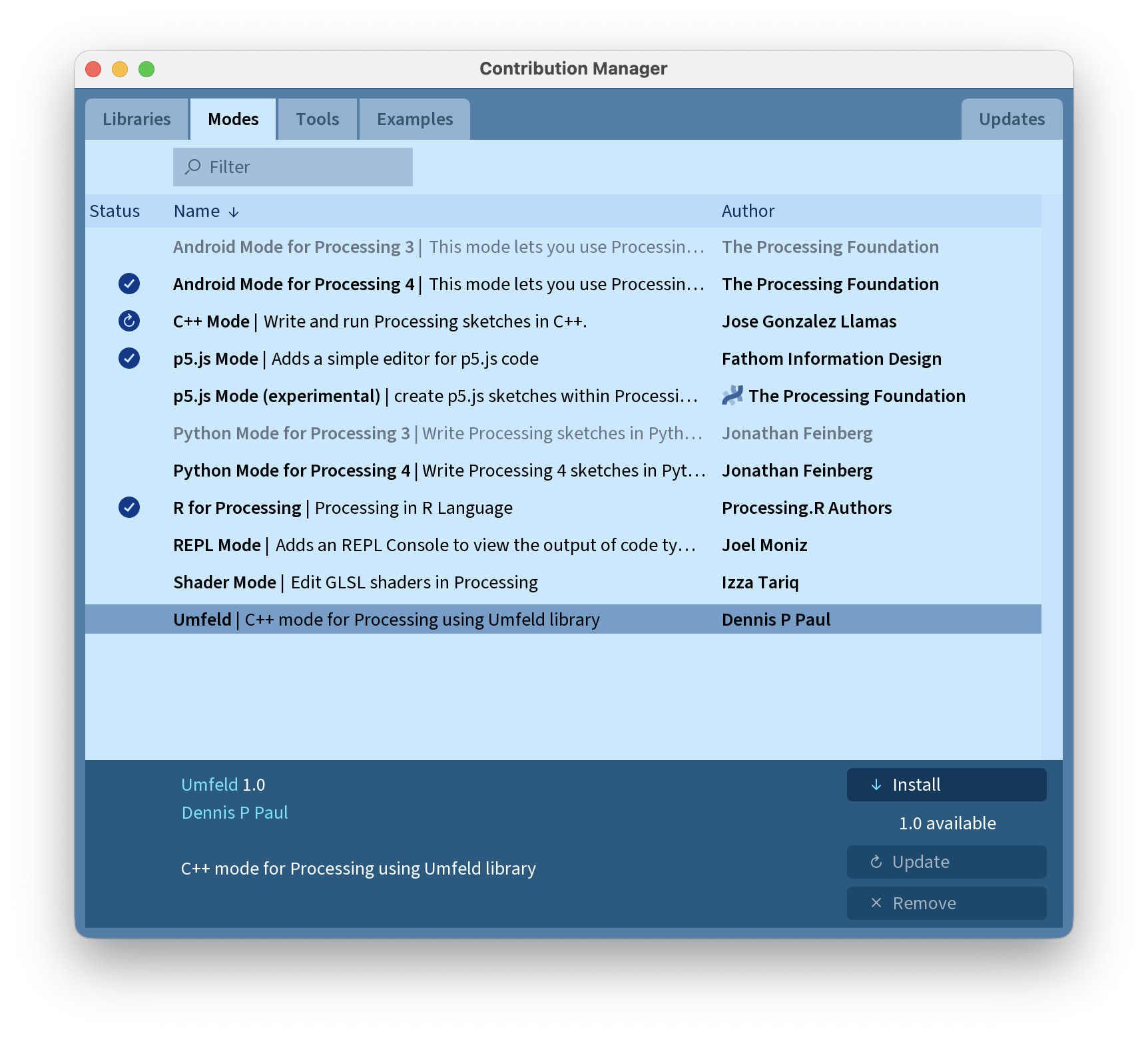
select Umfeld and press Install:
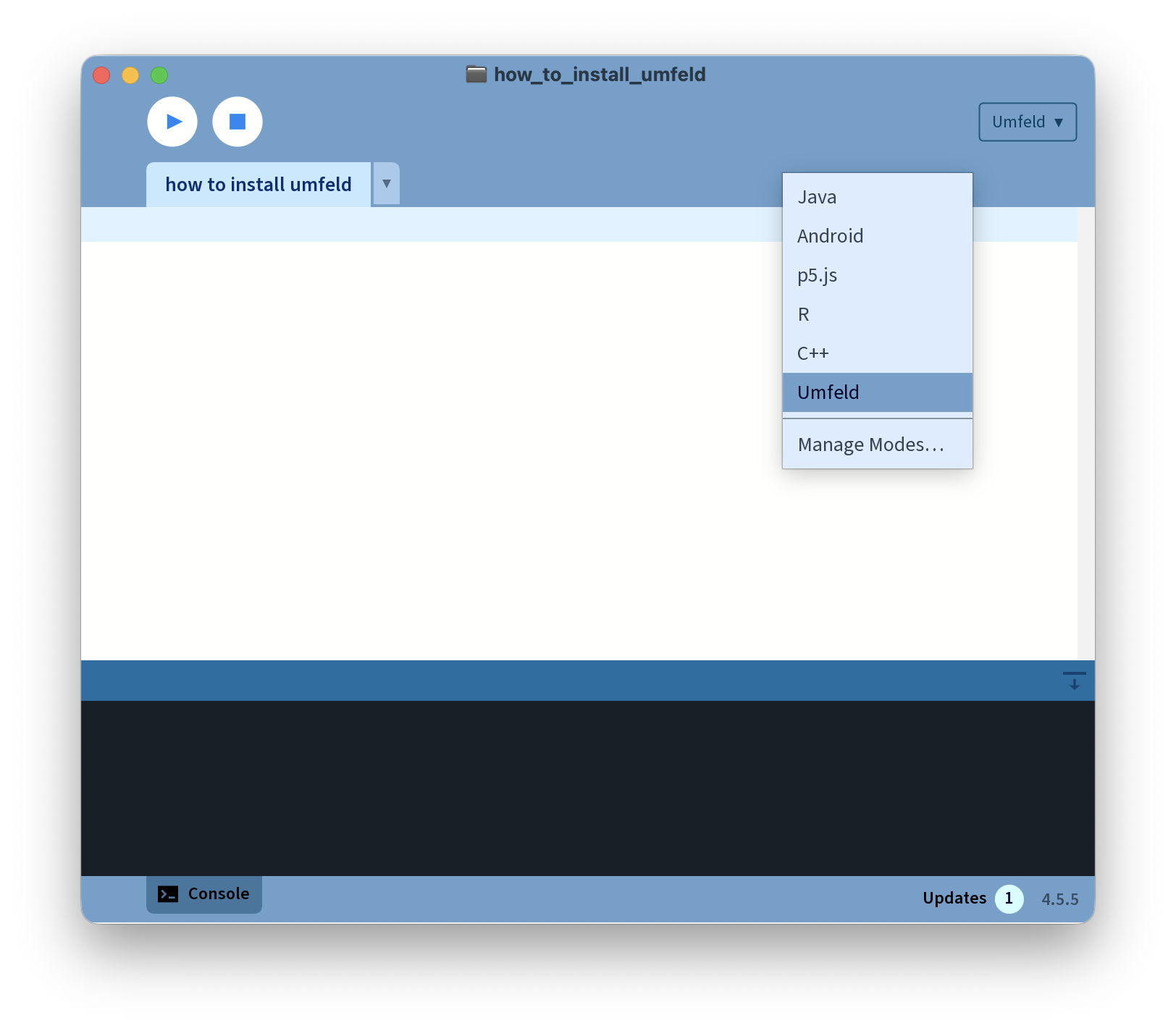
after closing the mode manager window Umfeld appears in the upper right corner:
now run a simple sketch by pressing the play button ( CMD+R ):
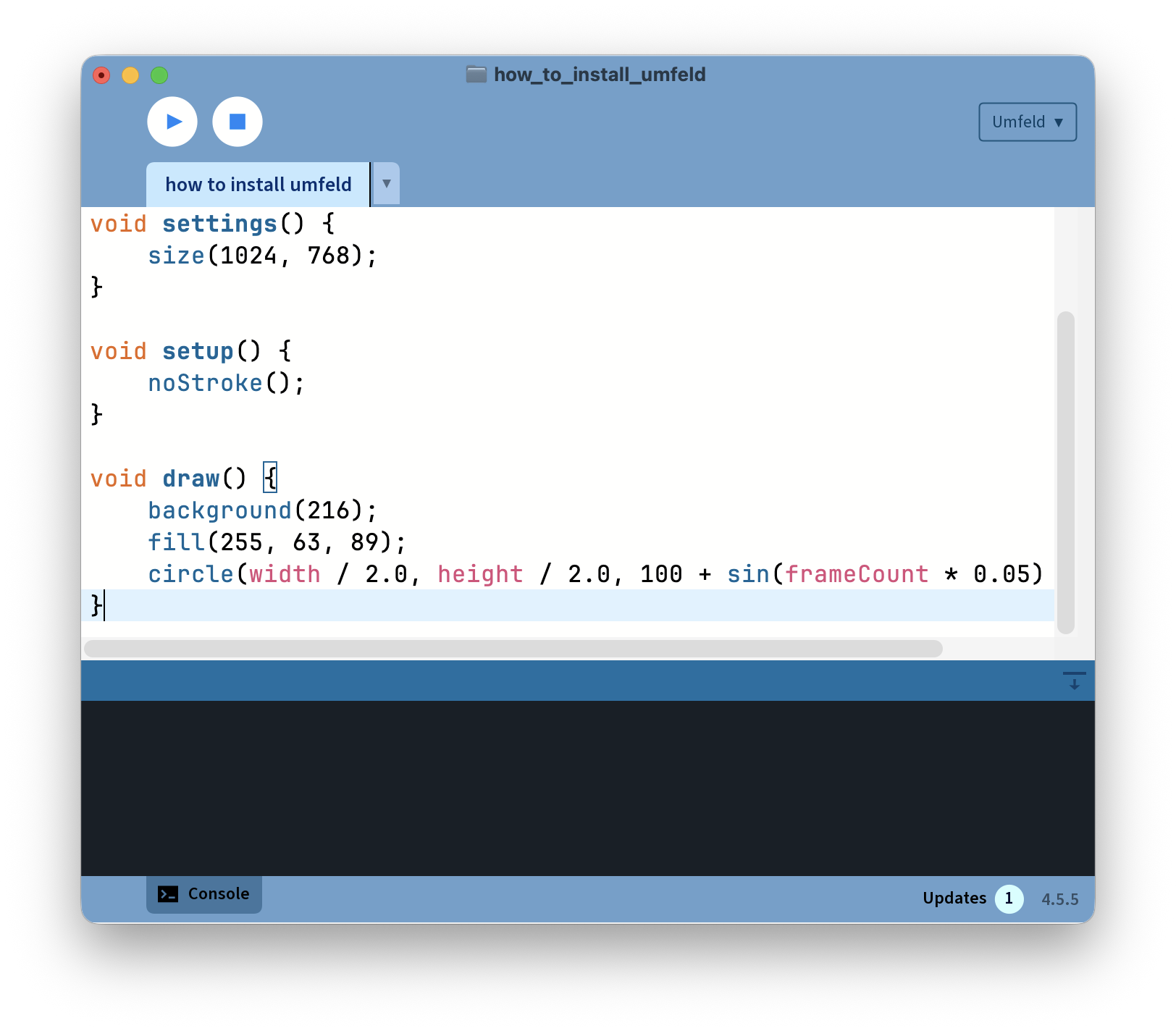
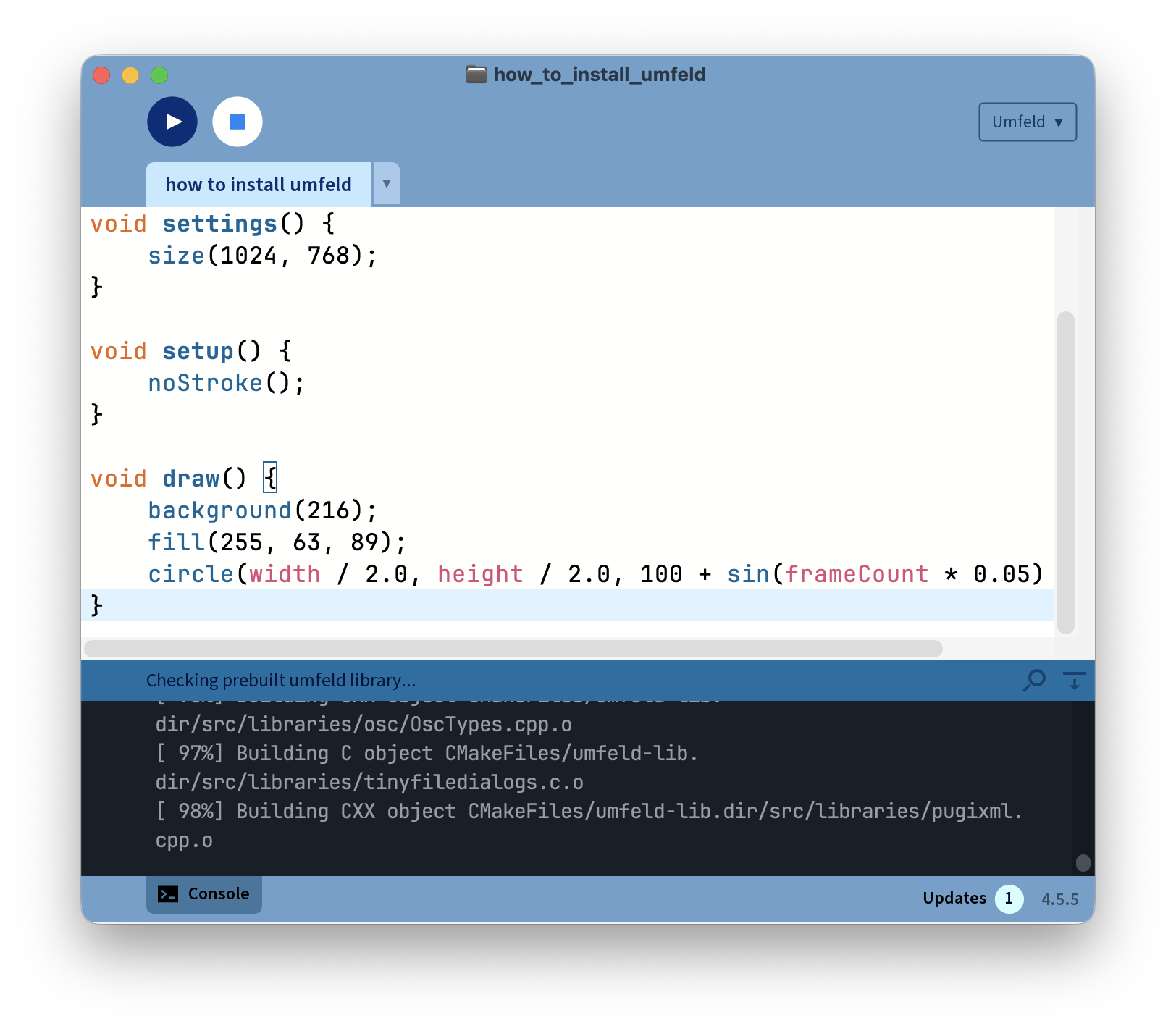
the first run may take some time because dependencies might need to be installed and the Umfeld library must be build once:
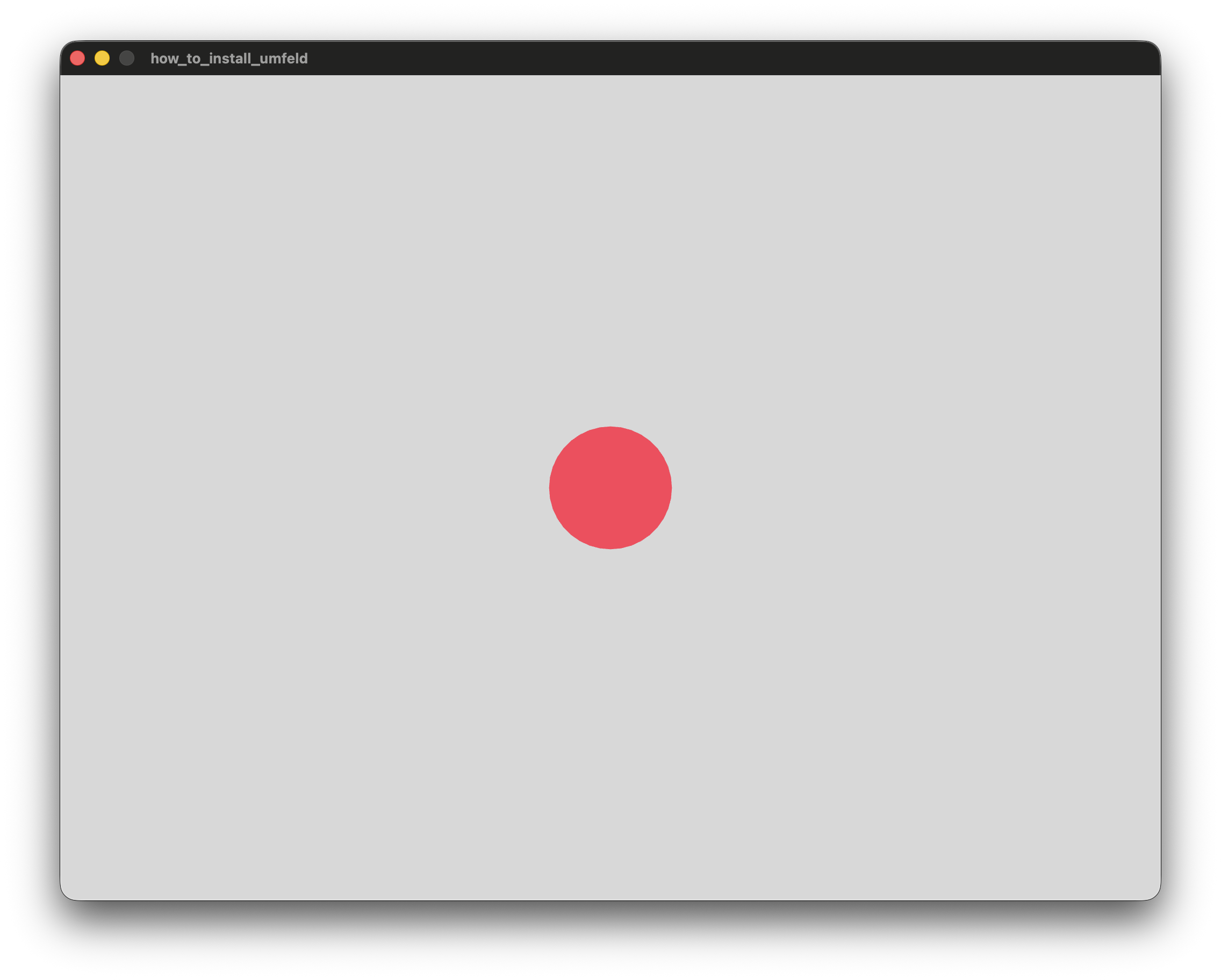
if everything is golden the sketch window appears:
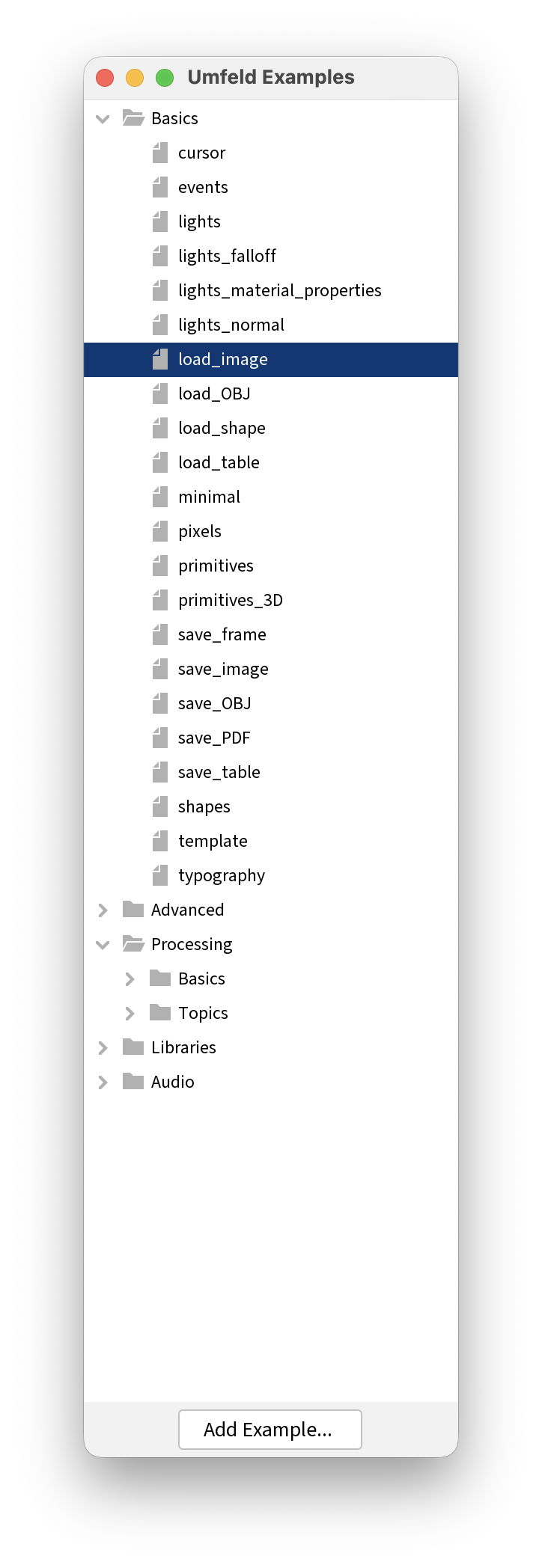
you can also run examples from Processing > File > Examples... ( or CMD+SHIFT+O ). most original Processing examples have been translated and some Umfeld specific ones are also there:
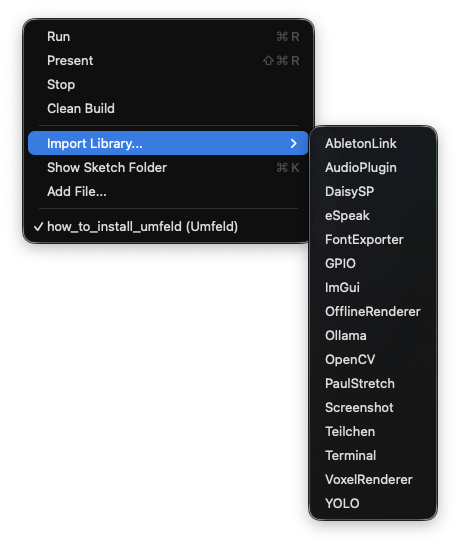
additionally there is now also selection of libraries available:
-
for me at least ;) ↩